Affiliate link. As an Amazon Associate I earn from qualifying purchases. Shopping options: Browse rechargeable motion-sensor lights on Amazon
A rechargeable motion-sensor light is useful only when it turns on at the right moment—and is easy enough to recharge that you keep using it. Here is how to choose one for cabinets, counters, closets, halls, and stairs without buying features that become chores.
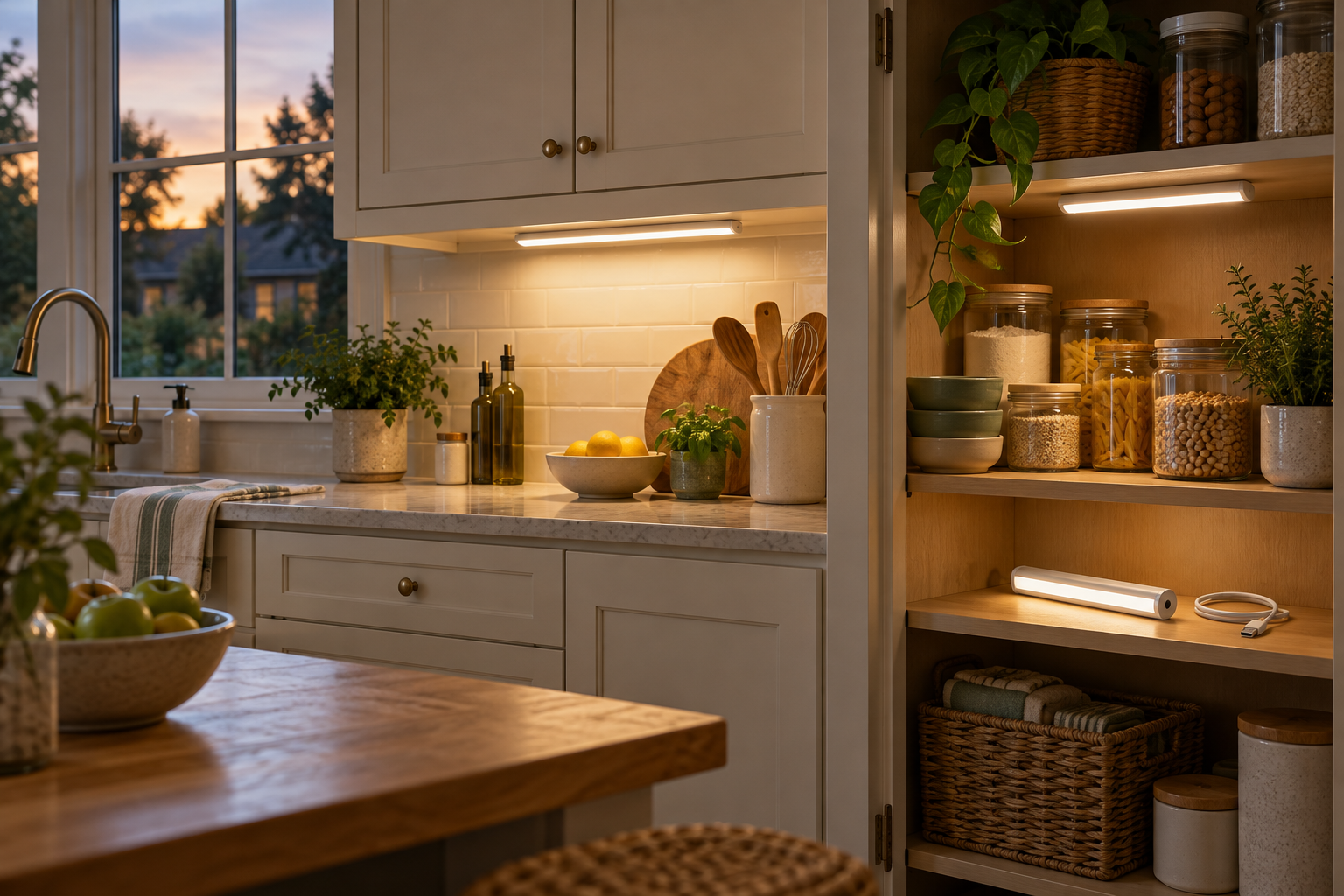
First decide what the light must do
These small lights are best where wiring is inconvenient and illumination is needed briefly. A pantry shelf that lights when the door opens is a good match. A busy kitchen counter used for hours every evening may be better served by a plug-in or hardwired fixture because frequent charging will eventually become irritating.
Cabinet or pantry
A short bar gives even coverage. Night-only sensing can be frustrating inside a cabinet if the room itself is bright, so look for an all-day sensor mode.
Under a kitchen cabinet
Choose a longer diffused bar, adjustable brightness, and a color close to the room’s existing lighting. For regular food prep, verify real lumen output.
Hallway or bedside route
Warm, low brightness reduces glare at night. Aim the sensor across the approach, not directly toward a wall.
Stairs
Do not treat a small removable light as the sole safety light. Secure mounting, reliable detection, and coverage of every change in level matter more than convenience.
Seven details that decide whether it stays useful
1. Sensor modes
The most flexible lights offer three useful states: always on, motion sensing only when it is dark, and motion sensing at any light level. The last mode is particularly helpful inside deep cabinets and pantries. Check the stated detection angle and distance, but expect room layout and mounting height to affect both.
2. Shutoff delay
A short delay conserves energy for a closet or nighttime pass-through. It can feel annoying over a counter if the light switches off while you stand still. Some products allow the delay to be changed; otherwise, choose according to the activity rather than the biggest battery claim.
3. Brightness in lumens
LED count is not a substitute for lumen output. A gentle night light needs far less light than a countertop where you read labels or prepare food. Adjustable brightness is valuable because lowering the output can reduce glare and extend the time between charges.
4. Color temperature and diffusion
A warm 2700K–3000K light suits nighttime routes and cozy interiors. Neutral light around 3500K–4000K often works well for counters and closets. Look for a diffuser that hides harsh individual LED dots—especially above polished stone, glass, or glossy tile.
5. Charging routine
USB-C is convenient when it uses a standard cable, but confirm whether the light can operate while charging. A removable magnetic body is easier than routing a cable to the installed position. If buying several lights, a charging dock may be worth more than an extra color mode.
6. Mount and removal
Many lights attach to a thin steel plate with adhesive, then lift off magnetically. Check whether the supplied tape is appropriate for painted wood, laminate, tile, or metal. Clean the surface first, wait for the adhesive to cure, and place the fixture where removal will not pull sideways on the plate.
7. Battery information
Battery capacity can help comparison, but it does not guarantee run time; brightness, sensor frequency, and electronics all matter. Treat “months per charge” as a best-case estimate unless the usage assumptions are clear. Reviews repeatedly flag charging frequency as the difference between a helpful light and one left permanently flat.
Quick comparison checklist
| Check | Prefer | Be cautious when |
|---|---|---|
| Activation | Night and all-day sensor options | The listing says only “auto” |
| Light quality | Lumens, dimming, stated color temperature | Only LED count is provided |
| Charging | USB-C, removable body or charging dock | The entire mount must be removed |
| Mounting | Magnetic plate plus replacement adhesive option | Tape type and surface limits are unclear |
| Battery | Capacity and realistic mode-based estimates | Huge runtime claim with no conditions |
A five-minute test before installing every light
- Charge one unit fully and test all modes before applying adhesive.
- Hold it in the proposed position and approach from the real walking direction.
- Check for glare while standing and sitting nearby.
- Leave the room lights on and confirm the selected sensor mode behaves as expected.
- Run it for several days before mounting the rest of the set.
When rechargeable is the wrong choice
Choose plug-in or hardwired under-cabinet lighting when you need bright, consistent task light for long sessions. Choose replaceable-battery lights when remembering to recharge will be harder than keeping spare cells. And for stairs or other safety-critical routes, use a reliable permanent lighting layer rather than depending entirely on a removable battery device.
• This Old House: Best Under-Cabinet Lighting — current comparison of rechargeable, wired, and motion-sensing options.
• Ideal Home: Pantry Lighting Ideas — current practical guidance on using motion-sensor lighting inside pantry storage.
Explore more in Useful Finds, where we focus on fit, upkeep, and whether a product will still make sense after the novelty wears off.